Beat the Bot
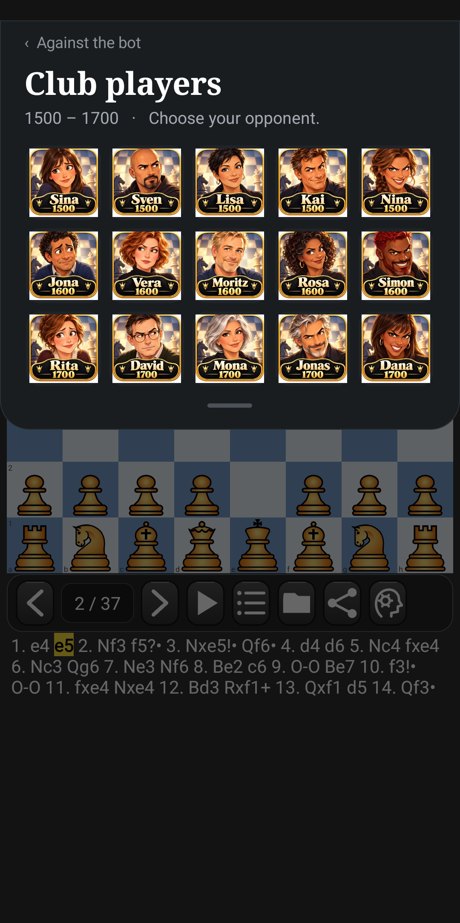
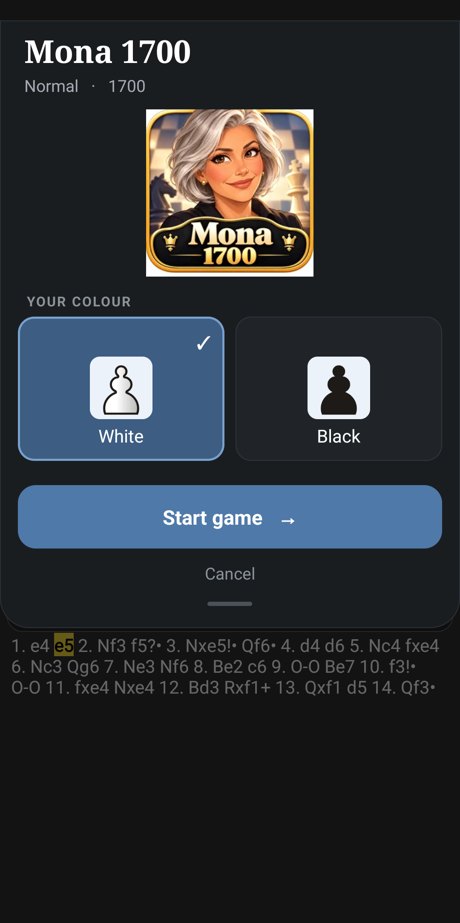
Play against 71 bots with a face and a name. Every strength from 700 to 2000 has five opponents with their own style:
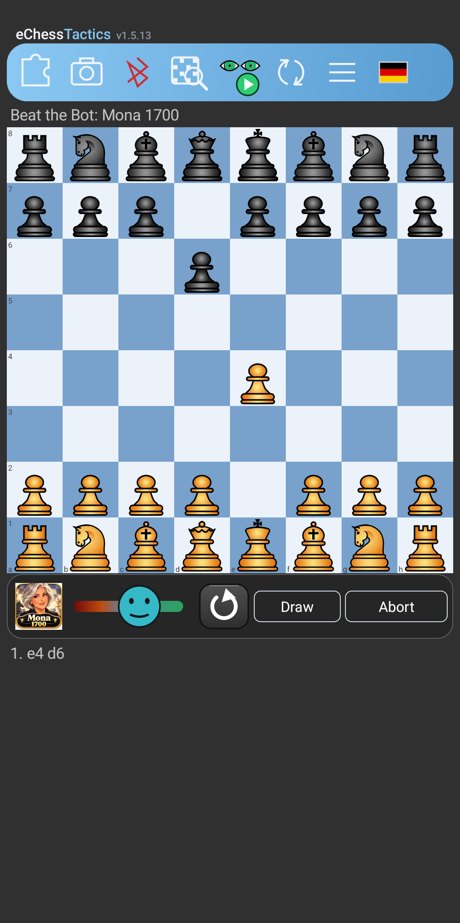
fearful, defensive, normal, eager to attack and aggressive; the 71st, the little devil, plays at full strength. No hints. Taking a move back and the analysis are possible, but a game in which you used either does not count for the green check. A green
check shows that you have beaten a bot with White and with Black. A mood bar and, on boards with colour LEDs, the
LED colour show how the game stands. The bots run on the open-source chess engine
Carballo (GPLv3): one small
settings file per bot sets its strength and style.
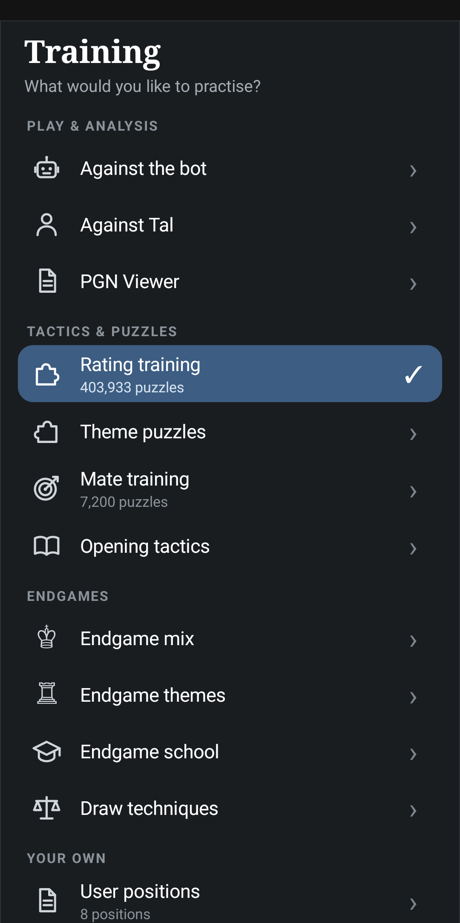
Puzzles and mate training
Rating training with more than 400,000 puzzles that match your rating, themes and rating
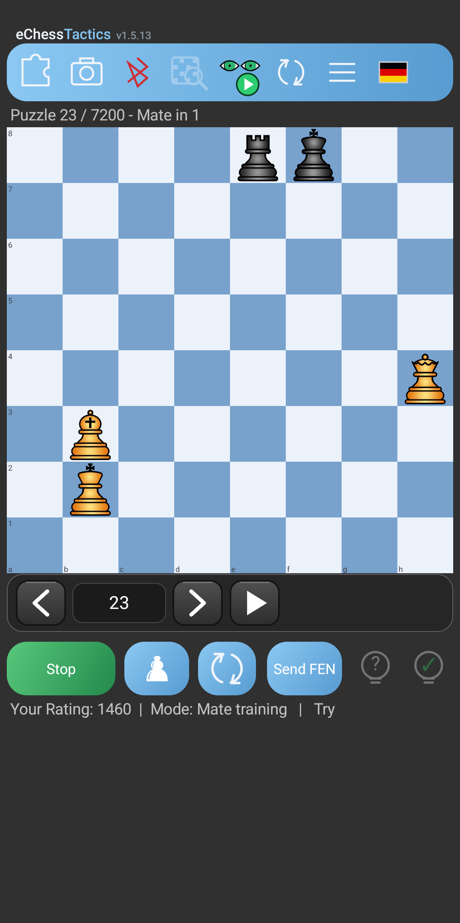
ranges to pick from, more than 320,000 opening-tactics positions, and a mate training with 7,200 mate puzzles in one steady
climb: mate in 1 in ten levels from easy to hard, then mate in 2, 3, 4 and 5.
Endgames against the engine
Nearly 1,000 verified endgame positions, mixed from easy to hard or by theme, with the pawn
endgames first. You play against the engine for a win or a draw. Hint and solution are always available.
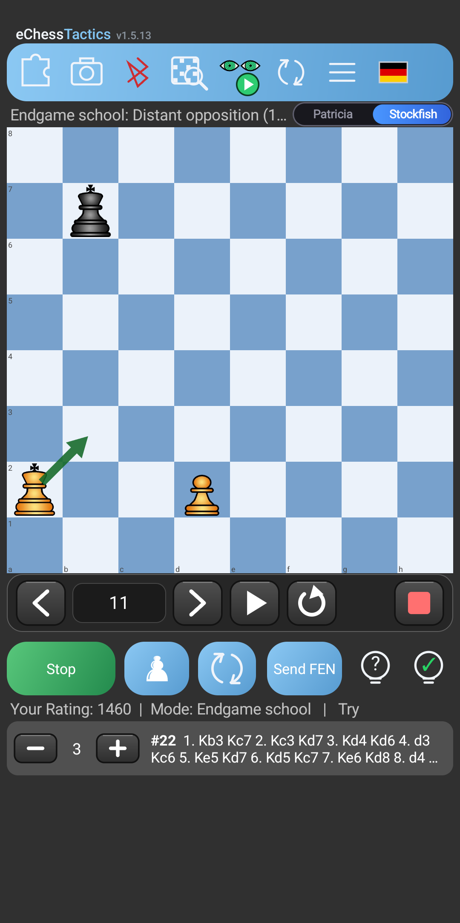
Endgame school
326 checked tasks in two lists, from easy to hard: win the position or hold the draw. The tablebase
proves your moves in small positions; a wrong move is taken back with a short verdict.
Just exercises, no pop-ups.
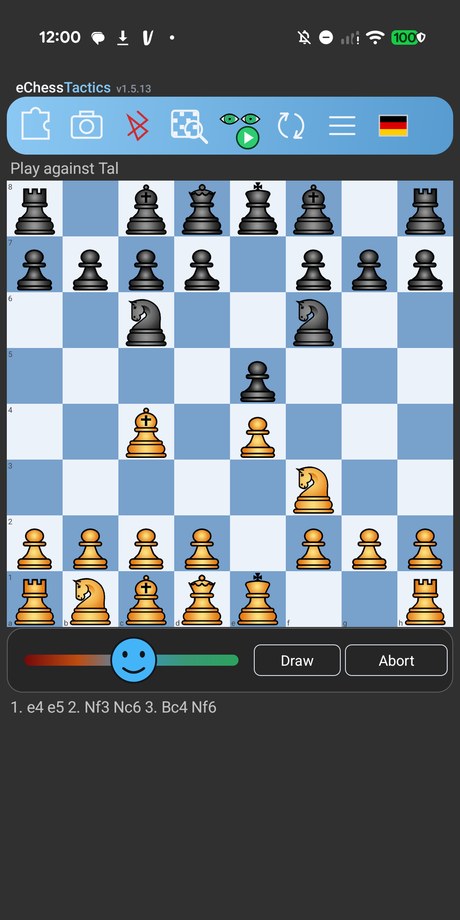
Play against Tal
A real game against the aggressive Patricia engine that adapts to you: it helps with sensible moves when you
are worse, keeps you close when you are better and takes every tactic it sees. A smiley and, on boards with
colour LEDs, the LED colour show Tal's mood. Games are saved in one PGN file; analyse them with Patricia or Stockfish. In the Elo game (a fixed level) you can take a move back.
Scan a position
Photograph a diagram from a book or magazine. The position is recognised on your device,
you correct any mistakes, and the engine works out the solution. Save positions to your own
collection (“User positions”), play them later, or share the whole collection.
Analysis with arrows
Live Stockfish analysis with one to five variations of your choice. The score is always
shown from the point of view of the side at the bottom of the board. Arrows mark the best move
(dark), other candidates (lighter) and losing moves (red).
Free analysis on your board
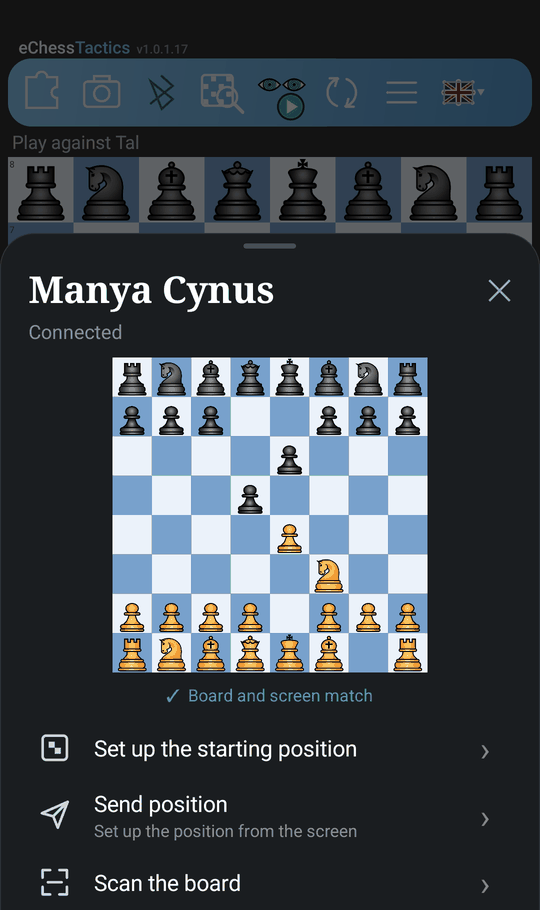
With a connected e-board, move the pieces however you like: the screen follows the board and
a new analysis starts a moment after the last move. The piece you placed last decides who is
to move. On boards with colour LEDs the candidate moves light up as well.
PGN viewer
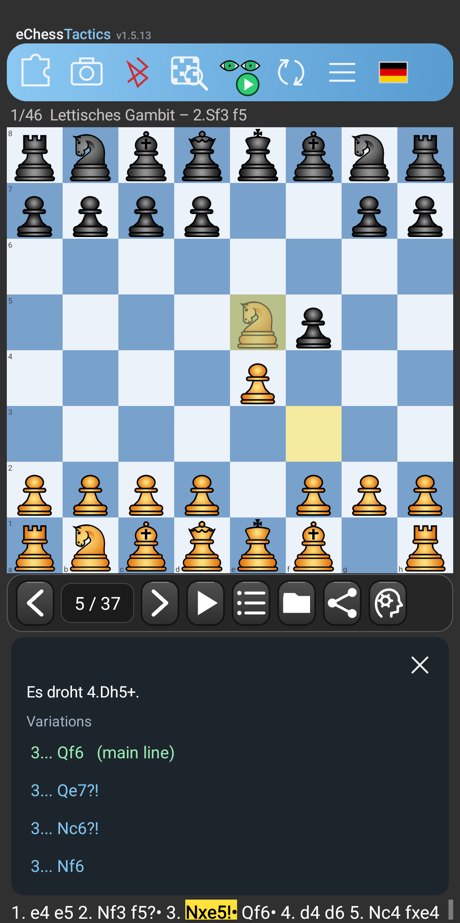
Open any PGN file, pick a game, step through the moves, read the comments and follow the
variations. With a connected board you navigate the game by playing the moves on it. The analysis
follows the pieces that really stand on the board. Share the open file or just the shown game with one tap.
PGN trainer
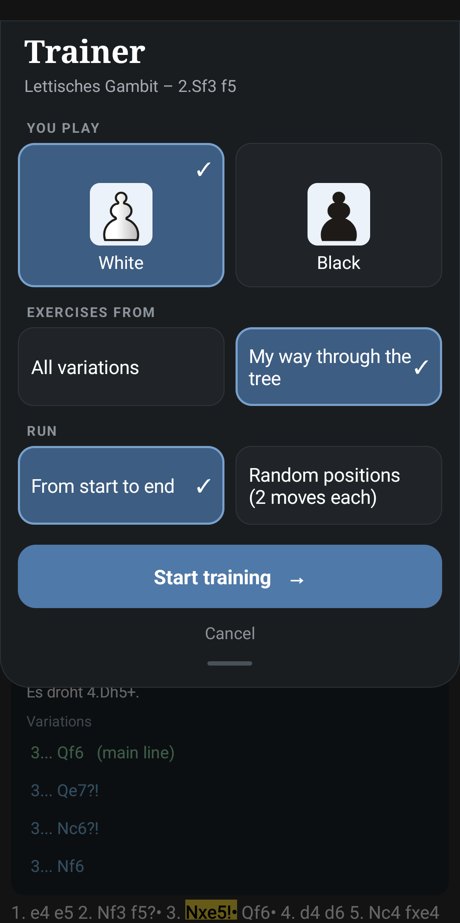
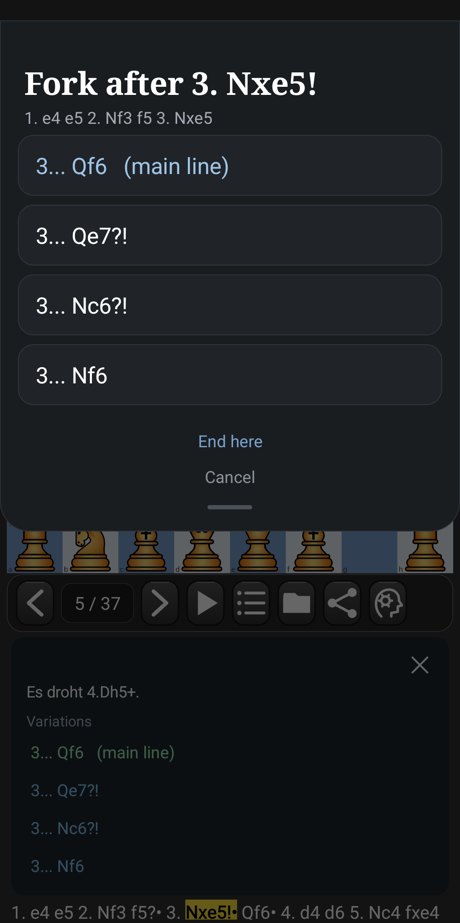
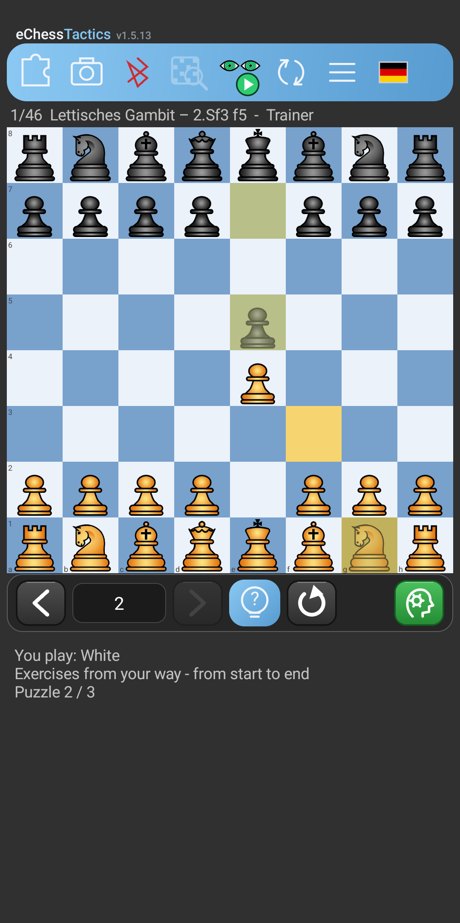
Turn any game of a PGN file into an exercise: play White or Black and find the move of the game. Train all variations (the
opponent answers with a random branch) or click your own way through the tree, one fork at a time. Run it from the first move
to the last, or on random positions of the game, two moves each. A question mark shows the right move; on a connected board
the LEDs show what to put back after a wrong move.
E-board PGN download
Fetch the games saved on your Chessnut (Bluetooth), Supreme T2 (USB) or eChessGateway and open them straight in
the PGN viewer. On the gateway you decide whether the games are kept or deleted.
Piece sets
Choose between four piece sets: Standard, Merida, MPChess and Bryan’s Italian. Hold the white or black pawn below the board for about
1.5 seconds, tap a set, and it stays active on every board of the app.
PGN on colour-LED boards
Replaying a game on a Tabutronic Spectrum or an iChessOne: blue shows the move that stands in the PGN, side variations
light up yellow, so you can decide at the board without looking at the display.